Kitchen Sink: Every Ghost Editor Element
A comprehensive demonstration of every Ghost editor element — headings, text formatting, images, code blocks, callouts, tables, and more.

This post demonstrates every Ghost editor element styled by the Launchpad theme. Use it as a reference for how content renders in production.
Heading Level 1
The top-level heading. Typically used for the post title (which Ghost handles automatically), so you'll rarely use H1 inside content.
Heading Level 2
The primary section divider. Use H2 to break your content into major sections. Table of contents generators pick up H2 headings by default.
Heading Level 3
Subsections within an H2 block. Great for breaking down complex topics without cluttering the TOC.
Heading Level 4
Rarely needed, but available for deeply nested content structures.
Heading Level 5
Even more rare. Used for fine-grained organization in technical documentation.
Heading Level 6
The smallest heading. If you're using H6, consider restructuring your content.
Text Formatting
This paragraph demonstrates inline formatting options. You can use bold text for emphasis, italic text for subtle emphasis, bold italic for maximum emphasis, inline code for technical terms, hyperlinks for navigation, and strikethrough for corrections or deprecated information.
A second paragraph to show spacing between paragraphs. Good typography requires consistent, generous spacing between text blocks. The eye should flow naturally from one paragraph to the next without feeling cramped or lost.
Lists
Unordered List
- First item in the list
- Second item with more detail
- Nested item one
- Nested item two
- Deeply nested item
- Third item back at the top level
- Fourth item to show list rhythm
Ordered List
- First step in the process
- Second step with substeps
- Substep A
- Substep B
- Substep C
- Third step continues the sequence
- Fourth step wraps it up
Blockquotes
A single-line blockquote. Perfect for highlighting a key insight or memorable quote from the article.
A multi-paragraph blockquote for longer quotations.
The second paragraph continues the thought. Notice how the styling maintains visual coherence across multiple blocks within the quote.
Table
| Feature | Free | Pro | Enterprise | Status |
|---|---|---|---|---|
| API Access | 1K/day | 100K/day | Unlimited | Available |
| Custom Models | No | 3 models | Unlimited | Available |
| Team Members | 1 | 10 | Unlimited | Available |
| SLA | None | 99.9% | 99.99% | Available |
| Support | Community | Dedicated | Available |
Images
Standard Width Image
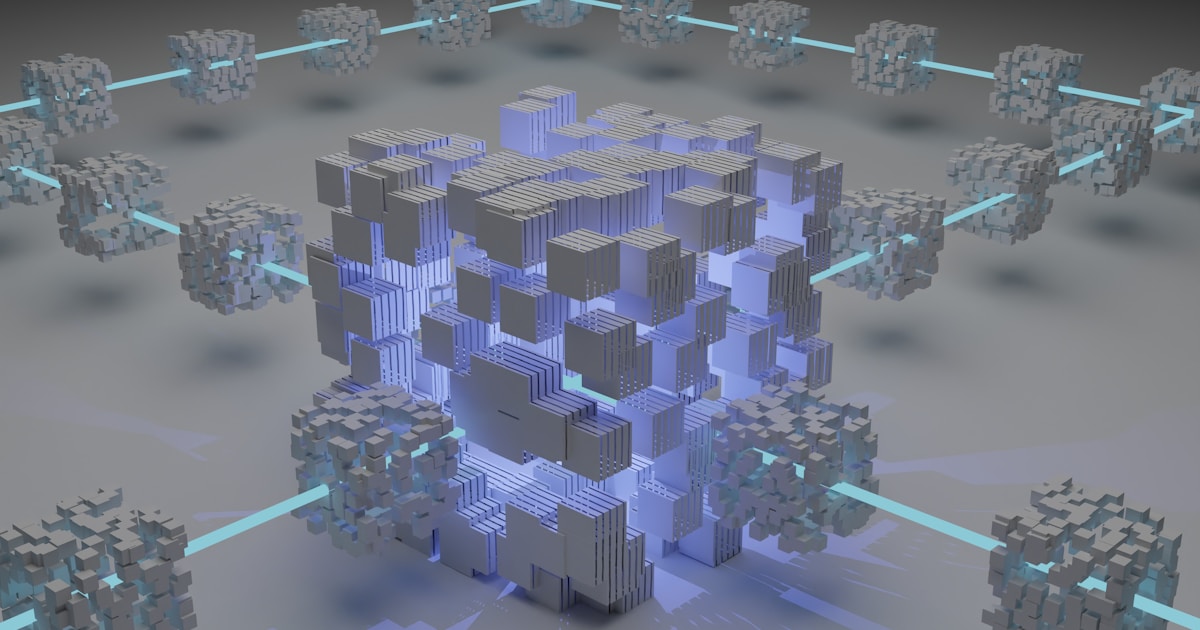
Wide Image with Caption

Full Bleed Image

Gallery

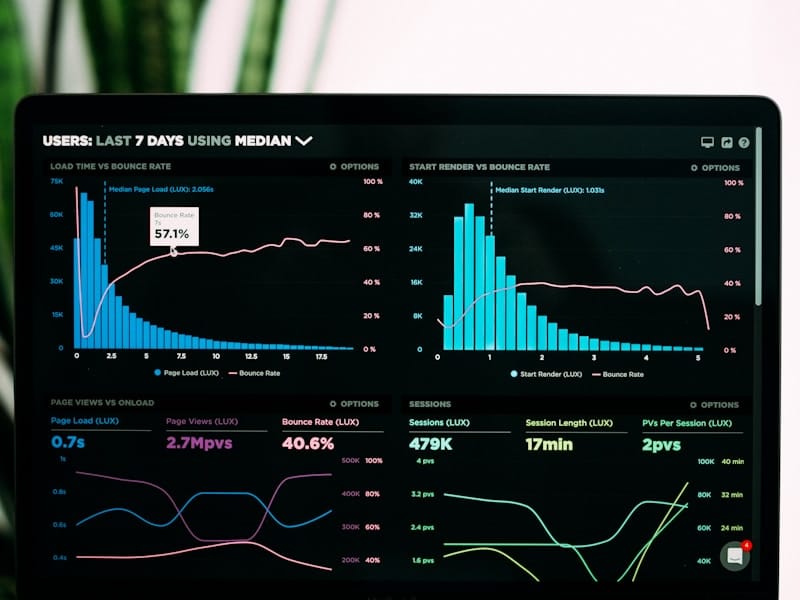



Code Blocks
JavaScript
// NeuralFlow Pipeline Configuration
const pipeline = new Pipeline({
  name: 'content-classifier',
  steps: [
    {
      name: 'preprocess',
      handler: async (input) => {
        const cleaned = sanitize(input.text);
        return { text: cleaned, tokens: tokenize(cleaned) };
      }
    },
    {
      name: 'classify',
      model: 'gpt-4',
      prompt: 'Classify the following text into categories',
    }
  ],
  output: { format: 'json', schema: ClassificationResult }
});

await pipeline.deploy({ env: 'production', replicas: 3 });
Python
from neuralflow import Pipeline, Step
from neuralflow.models import GPT4, CustomModel

class SentimentPipeline(Pipeline):
    def __init__(self):
        super().__init__(name="sentiment-v2")

        self.add_step(Step(
            name="analyze",
            model=GPT4(temperature=0.1),
            prompt="Analyze sentiment: {input}",
        ))

        self.add_step(Step(
            name="validate",
            model=CustomModel("sentiment-validator"),
            depends_on=["analyze"],
        ))

    def post_process(self, results):
        return {
            "sentiment": results["analyze"]["label"],
            "confidence": results["validate"]["score"],
        }
CSS
/* Launchpad Theme — Glass-morphism Header */
.site-header {
  position: fixed;
  top: 0;
  left: 0;
  right: 0;
  z-index: 1000;
  background: rgba(15, 15, 35, 0.7);
  backdrop-filter: blur(20px);
  -webkit-backdrop-filter: blur(20px);
  border-bottom: 1px solid rgba(255, 255, 255, 0.08);
  transition: background 0.3s ease;
}

.site-header.is-scrolled {
  background: rgba(15, 15, 35, 0.95);
}
Callout Cards
Toggle/Accordion Cards
What models does NeuralFlow support?
How does pricing work?
Can I self-host NeuralFlow?
Bookmark Card

Horizontal Rule
Content before the rule.
Content after the rule. The horizontal rule creates a clear visual break between sections.
YouTube Embed
Button Card
Stay Updated
Get the latest news and product updates delivered to your inbox.
Join the community
Subscribe for updates, tutorials, and engineering insights. No spam, unsubscribe anytime.
Pro Headphones
Premium wireless headphones with active noise cancellation, 40-hour battery life, and studio-quality audio.
That covers every Ghost editor element. If anything looks off, it's a theme styling issue — not a content problem. Check the Components page for the full design system reference.